Tracking Organic Conversions in GA4 (with the Caveats)
Why your GA4 organic conversion number is wrong, and which version of wrong is useful
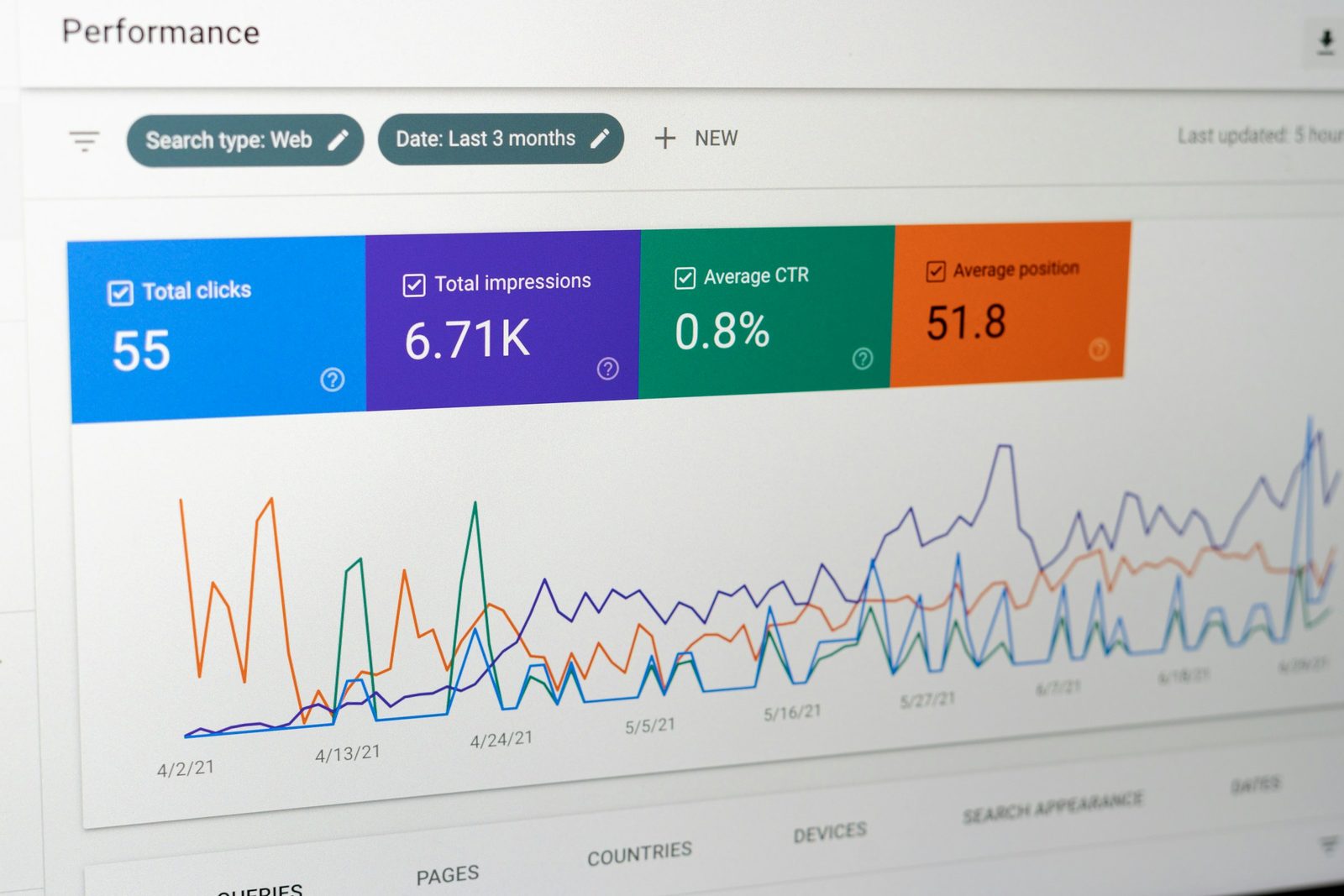
The number GA4 prints next to "Organic Search → Conversions" is wrong. Not catastrophically wrong, but wrong in four predictable directions, and if you report it to your CFO without naming the directions you are setting yourself up to lose the conversation in six months when finance reconciles GA4 against Stripe and the gap is 18%.
Universal Analytics shut off on July 1 2023. The replacement is GA4, which uses a different sessionization model, a different attribution default (data-driven instead of last-click), and a different conversion concept (events instead of goals). Most SEO teams adopted it, kept the same dashboards, and never re-validated the numbers. This article walks through what GA4 actually counts as an organic conversion, where it drifts, and how to set up events that survive an audit.
By the end you should know which conversion events to keep, which to retire, why server-side tracking is the new default, and exactly which sentence to put in a board deck so nobody overstates a number.
How GA4 defines an organic conversion
In GA4, a conversion is any event you have flagged as a "key event" (renamed from "conversion" in early 2024 to reduce ambiguity). The event fires, GA4 attributes the session that contained it to a channel using the configured attribution model, and the channel-attributed key event count rolls up in the Acquisition reports.
"Organic Search" as a channel is defined by the default channel grouping rule: the session's source matches a known search engine list and the medium is organic. If your tagging is clean, that rule fires correctly. If you have ever UTM-tagged an internal redirect from a Google SERP (you should not have, but it happens), those sessions get bucketed wherever the UTM said, and your organic conversion count drops.
Two things follow. First, the channel attribution depends on accurate medium data — which means you should never UTM-tag organic traffic, and you should audit your URL parameters quarterly. Second, the conversion model depends on which key events you flagged. If you marked page_view as a key event in panic during the GA4 migration, every organic visit looks like a conversion and the number is meaningless. Audit your key events list before trusting any number on the screen.
The four caveats your CFO will eventually find
The number drifts from reality in four predictable ways. Naming each one in advance is how you keep credibility when finance asks why GA4 says €120k of organic-attributed revenue and Stripe says €98k.
Sampling and thresholding. GA4 applies a "data thresholding" rule when reports could expose user identity — typically when Google Signals is on and a segment has fewer than 50 users. The result: small organic queries report zero conversions even when conversions happened. Turn off Google Signals if you don't need cross-device deduplication, or accept that low-volume reports will under-count.
Attribution lookback windows. GA4's default is 90 days for paid and acquisition channels, 30 days for "all other" events. If your sales cycle is 60 days and the first organic touch was day 75, that conversion attributes to "Direct" or whatever the more recent touch was. Adjust the lookback in Admin → Attribution settings if your business cycle is long.
Cookie consent and rejected sessions. Users who decline analytics cookies do not generate events. In EU markets this can be 30-50% of traffic. GA4's consent mode v2 (mandatory in EEA since March 2024) models the missing data, but modeling is not measurement — the number is an estimate, and the estimate gets worse as opt-out rates rise.
Data-driven attribution drift. GA4's default model is data-driven, which means the same conversion can attribute differently between two report runs as Google's model recalculates. Reports run a week apart can show different organic conversion counts for the same date range. This is by design and you cannot turn it off without switching to a fixed model like last-click.
You don't have to fix all four. You have to know which one matters for your reporting and disclose it.
Setting conversion events that survive an audit
The single biggest mistake teams make in GA4 is flagging too many key events. Page views, scroll depth, video plays — none of these are conversions in the business sense. They are engagement signals.
A defensible key event meets three criteria. It correlates with revenue at a measurable rate. It is rare enough that a 2x change is meaningful (a key event that fires on 60% of sessions can never inform a decision). It is server-validated when possible, not just client-fired.
For a SaaS site, that usually shortens to four events: signup_completed, trial_started, subscription_purchased, demo_requested. For an ecommerce site it is purchase and maybe add_to_cart if your cart abandonment is the leverage point this quarter. For a content site selling courses it is course_purchased and possibly email_captured if email is your demonstrated revenue funnel.
Avoid flagging "form started" or "scroll 75%" as key events. They make the conversion rate look healthier than it is, and they give the CFO a number that does not move in line with revenue. If you want to track them, track them as ordinary events and build a separate report for them.
Why server-side tracking is becoming the default
Browser-fired GA4 events lose data in three ways: ad blockers (15-30% of organic traffic on B2B sites), iOS Intelligent Tracking Prevention (cookie lifetime capped at 7 days for client-side scripts), and consent rejection. Server-side tracking, where you fire events from your application backend to GA4 via the Measurement Protocol, sidesteps the first two and partially addresses the third.
The architecture is simple in concept: your application emits a server-side event when a real conversion happens (a subscription.created webhook from Stripe, for instance). A small relay service translates it into a GA4 Measurement Protocol payload and sends it. The advantage is that the event reflects ground truth — the conversion actually happened in your database — rather than whether a tracking script ran in the user's browser.
Two trade-offs. You lose the GA4 client identifier unless you stitch it server-side (which means storing and forwarding the _ga cookie value at the moment of the conversion). And you take on the engineering responsibility of debugging missing or duplicated events. For sites where conversion volume is low and accuracy matters, the trade is worth it. For sites with hundreds of conversions per day where 5% loss is fine, browser tracking remains adequate.
Google's own Measurement Protocol documentation covers the payload format. Implementation is a half-day task; what takes weeks is reconciling the resulting numbers against your existing client-side stream and explaining to stakeholders why the two no longer match.
Reconciling GA4 with the source of truth
Once a quarter, reconcile GA4 organic conversion counts against your billing system or CRM. The reconciliation script looks like this: pull all conversions from Stripe (or HubSpot, or your DB) for the period; bucket them by acquisition channel using your own first-touch or position-based logic; compare to GA4's organic conversion count for the same period.
You should expect a gap. Anything under 10% is normal. 10-25% means consent rejection or sampling is biting you and you should consider server-side tracking. Over 25% means something is structurally wrong — usually UTM contamination of organic links, a misconfigured channel grouping, or a key event that fires inconsistently.
The reconciliation report is also the document you show your CFO when she asks why GA4 numbers exist alongside finance numbers. Two systems, two purposes: GA4 measures channel contribution for marketing decisions; finance measures cash for accounting. They should be close, not identical, and the gap should be explained, not hidden.
What to put on the dashboard
Your stakeholder dashboard should show three organic conversion numbers, not one. The composite is what makes it honest.
Show the GA4 organic conversion count for the period, with the attribution model named explicitly ("data-driven, 90-day lookback"). Show the GA4 organic-attributed revenue for the same period, again with the model named. Show the reconciliation delta against your source of truth as a rolling figure ("GA4 organic revenue was 92% of Stripe's organic-tagged revenue this quarter").
That third number is the trust-building number. It tells your boss the GA4 dashboard is being audited. It also gives you cover when GA4 does something weird — a model update, a sampling event, an outage — because the delta will visibly move and you have a story for why.
For deeper context on how this connects to the broader measurement framework, see the SEO analytics stack pillar, which covers how to wire up the data sources around this conversion layer.
When organic conversion numbers should not be reported at all
There are three situations where the GA4 organic conversion number is so unreliable that reporting it does more harm than good.
The first is the first 30 days after a key event change. GA4 needs roughly that long for the data-driven attribution model to recalibrate. Numbers in that window are noise; wait it out before claiming a trend.
The second is when consent opt-out rates exceed 50%. Some EU sites with strict cookie banners see this. The modeled data fills the gap, but the modeling is rough. Report directional trends, not absolute numbers.
The third is when the underlying business model has changed — a price change, a new product line, a freemium-to-paid switch. The conversion event meaning has shifted under your feet and historical comparisons are not apples-to-apples. Restart the baseline.
Putting this into your weekly review
Pull the organic conversion count from GA4 every Monday. Pull the same number from your source of truth. Track the gap as a percentage. If the gap drifts more than 5 percentage points week over week, investigate before the dashboard ships.
Quarterly, revisit your key events list. Retire any that no longer correlate with revenue. Add any that have emerged as leading indicators (a new product feature's adoption event, for example). Document the change and the date so a future analyst — or future you — knows when the definition shifted.
The single sentence to put in a board deck: "Organic search drove X conversions this quarter, attributed using GA4's data-driven model with a 90-day lookback; reconciliation against [source-of-truth system] shows a Y% delta, consistent with prior quarters." That sentence is honest, defensible, and ends the conversation in 30 seconds. Anything shorter overstates; anything longer loses the room.
If you want to go further, reporting SEO to non-SEO stakeholders without lying covers the broader translation problem of which numbers to share with which audience and how to frame them. Organic conversions sit at the bottom of the KPI tree; the discipline of getting them right is what makes everything above them trustworthy.
The number GA4 prints is wrong, but useful. Knowing exactly how it is wrong is the difference between a marketing dashboard and a measurement system.
Related articles

GSC Impressions: What They Actually Mean (and Don't)
Search Console reports impressions like they're a clean count. They aren't. Anonymization thresholds, AI Overview accounting, and SERP feature counting rules quietly distort the number you report up.

Building an SEO KPI Tree from Revenue Down
A KPI tree starts with revenue and walks down to coverage. When something breaks, the tree tells you which layer leaks. Here's the structure that diagnoses, not just reports.

The SEO Analytics Stack: GSC, GA4, and What Else Matters
GA4 confused everybody. GSC stayed honest. Third-party tools fill specific gaps. Here is the full SEO measurement stack — data sources, attribution, KPI tree, dashboards — without the vendor pitch.